
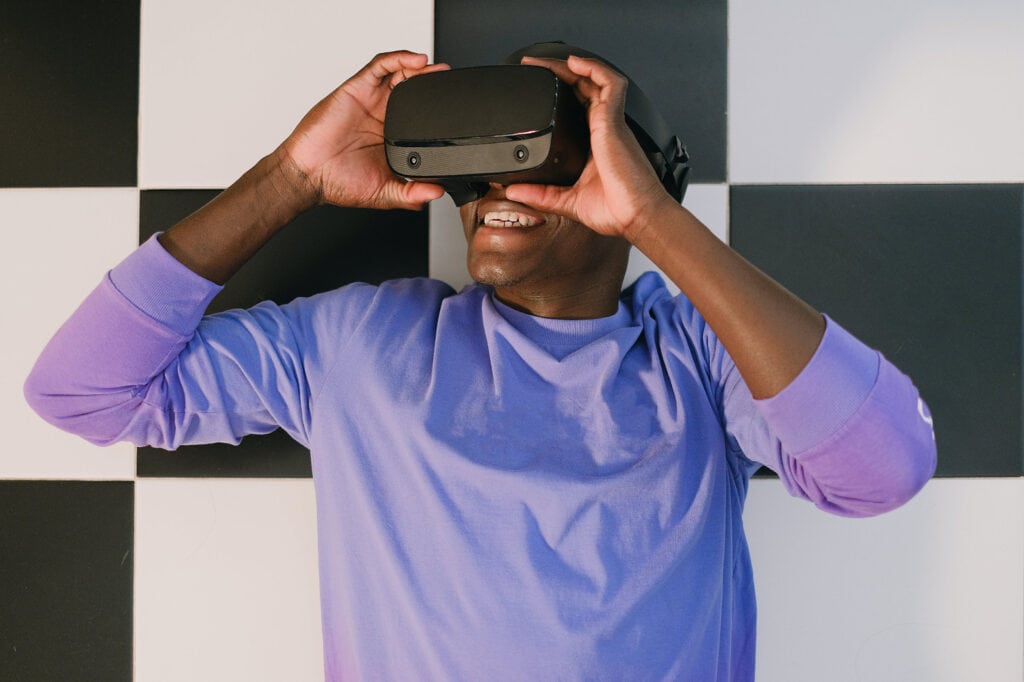
When shopping for virtual reality headsets, you’ve probably encountered the term “pass-through.” However, you may not know anything about this feature. What does it do, and should you get a headset with this functionality?
The pass-through feature of a virtual reality headset lets you see the real world while wearing the device. It helps you stay connected with reality without removing the headset and exiting the virtual environment.
Below, we’ll teach you how exactly the pass-through functionality works. We’ll also share some benefits to help you determine whether it suits your needs.
What Does the “Pass-Through” Functionality of a Virtual Reality Headset Do?
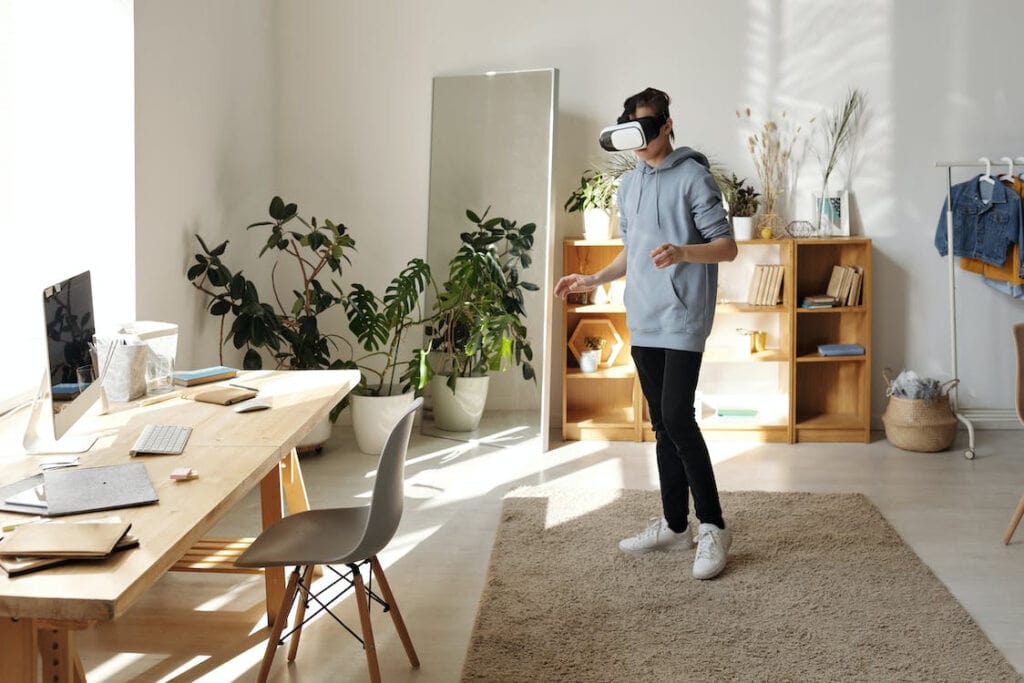
A virtual reality headset uses computer-generated graphics to transport you into a virtual world. Some devices have a pass-through feature, which gives you a glimpse of the real world while wearing the headset.
The pass-through function allows you to step outside virtual reality environment without removing the headset. It lets you see real-world surroundings in real-time, which offers several benefits, as we’ll cover later.
What Is VR Pass-Through?
A VR pass-through is a feature in your VR headset that lets you stay connected with the physical environment while using the device.
It uses built-in cameras and sensors to capture the physical surroundings. Then, the VR headset displays real-world elements on the screen, which you can see clearly. In essence, you’re not really viewing things with your own eyes. You’re relying on the VR screen to show you the real world outside the headset.
It’s also important to know that not all VR pass-through features work the same way. Some headsets may enhance the display instead of simply offering the raw footage of real life. For example, they can reduce the disorienting effects, correct depth perception, or expand your view if the camera has a blind spot.
More advanced headsets even combine virtual and physical worlds to offer mixed-reality experiences. These devices overlay virtual objects on top of real-world surroundings for a unique virtual reality experience.
What Are the Benefits of Pass-Through Functionality?
The pass-through function of virtual reality headsets provides several benefits to VR users. Below are some of them.
Increased Safety and Awareness
A VR headset with pass-through functionality increases your safety and awareness of your surroundings. Since it lets you see your physical surroundings, it ensures you can navigate the room safely. It helps you avoid hazards or obstacles you may not notice if you’re fully immersed in virtual reality experiences.
The pass-through functionality is especially important in gaming or virtual training simulations. These scenarios require you to move around and interact with the physical environment. VR pass-through retains your sense of awareness in the real world. It ultimately prevents accidents or injuries.
This feature is also helpful in shared virtual environments or public spaces. It keeps you aware of other people’s movements and distances, which prevents you from bumping them accidentally.
Overall, VR users can benefit from the safety and awareness they get with pass-through functionality.
Enhanced Creativity and Visualization
Another benefit of pass-through functionality is the increased level of creativity and visualization. It allows you to envision a virtual object in the real world. It is especially useful for solving complex challenges at work.
For example, you want to fix a specific problem, but you only have access to limited tools in the physical world. You can use the VR headset and its pass-through functionality to visualize the other necessary tools. Doing so ultimately helps you solve the problem creatively.
Improved User Experience and Comfort
Pass-through functionality in VR headsets can also improve the overall user experience and comfort. It gives you a clear display of the real world, which reduces the disorientation that comes from being completely isolated. Some users feel disconnected or disoriented after using VR technology for long periods. With pass-through headsets, you can return to reality without removing the headset. Hence, you can enjoy a smoother and more comfortable transition back to the real world environment.
The pass-through feature also prevents motion sickness, which you may feel in the middle of VR sessions. Since it lets you see the real world anytime, it helps you ground yourself and reduces motion sickness.
Plus, this feature prevents discomfort and fatigue during prolonged VR sessions. It allows you to view the real world, which breaks the monotony of computer-generated graphics that can tire your eyes. By giving you short breaks to check your surroundings, it offers temporary relief from immersive virtual environments.
Seamless Transition Between Virtual Reality and Reality
The last benefit of pass-through functionality is the seamless transition between virtual and real worlds. It lets you change between the two without going through the hassle of removing your headset. It saves you time and effort.
Need to take a brief break from virtual reality? Or check a phone notification? You can quickly switch to the real world environment with the pass-through feature.
It even allows you to resume your virtual reality experience any time you want without interruptions.
How Do I Turn on VR Passthrough?

By now, you know the definition and benefits of pass-through VR devices. But how do you use this feature?
The answer varies depending on the VR headset you own. Virtual reality headsets work differently, so you must refer to the user manual.
However, as an example, we will teach you how to activate the VR pass-through feature in Meta Quest virtual reality headsets.
You can create or adjust the Guardian, which is a built-in safety feature that appears when you’re near the edge of the play area. Doing so automatically triggers the pass-through feature.
If you need to enter pass-through mode quickly, you can turn on the “Double Tap for Passthrough” shortcut.
To do this, follow the steps below:
- Move the clock on the left side of the Universal Menu to open the Quick Settings panel.
- Click “Settings” on the upper right side of the panel.
- Select “Guardian” from the options.
- Switch on the “Double Tap for Passthrough” setting.
- Simply tap twice on the VR headset near the display to activate the pass-through feature.
Conclusion
The pass-through functionality in VR headsets allows you to step outside the virtual world and see real-life surroundings. It offers many benefits, such as increased safety, improved user experience, and seamless transition between VR and the real world.
Do you have more questions about VR headset features? Our inbox is open for queries, so feel free to send your messages!